Skip to content
RansomLeak Help Center
Search
Ctrl
K
Cancel
RansomLeak
Select theme
Dark
Light
Auto
Select language
English
Українська
Menu
Getting started
Key concepts
Finding your way around
FAQ and troubleshooting
Using these docs with AI assistants
For learners
Campaigns
Taking an exercise
Dashboard and self-paced learning
Drills
Documents and uploaded courses
Certificates
Your profile and settings
Tips and getting help
Learning in Slack
Security check-ins
For administrators
Users and roles
Managing users
Inviting users
Teams and managers
Groups
Roles and permissions
Licences
Learning paths
Overview
Creating and building a path
System learning paths
Enrolling learners
Completion and certificates
Tracking progress
Content
Courses and exercises
Custom content
Using RansomLeak in your LMS
Chat learning
Campaigns
Overview
Creating a campaign
Participants and deadlines
Emails and reminders
Running and tracking a campaign
Drills
Overview
Building a drill
Deepfake drills
Phishing drills
Smishing drills
Chat drills
MFA drills
Vishing drills
QR phishing drills
Fake Login drills
AI Chat drills
Attack Chain drills
OAuth Consent drills
Attachment drills
Social Media drills
Phishing simulations
Overview
Simulation campaigns
Writing your own templates
Settings and audit log
Reports and compliance
Analytics dashboards
Generating reports
Compliance evidence
Human Risk Score
Risk automation
Security Check-ins (Assessment)
Feedback and security events
For managers
Settings
Tenant settings
Sign-in and security
Browser extension
Browser extension overview
Deploy the extension
What the extension collects
Administer the extension
Integrations
Custom domain
SCIM user provisioning
Vanta
Slack, Microsoft Teams and Webex
HR system (HRIS)
Webhooks and API
Security and compliance tools
LTI 1.3 (your LMS)
RansomLeak
Select theme
Dark
Light
Auto
Select language
English
Українська
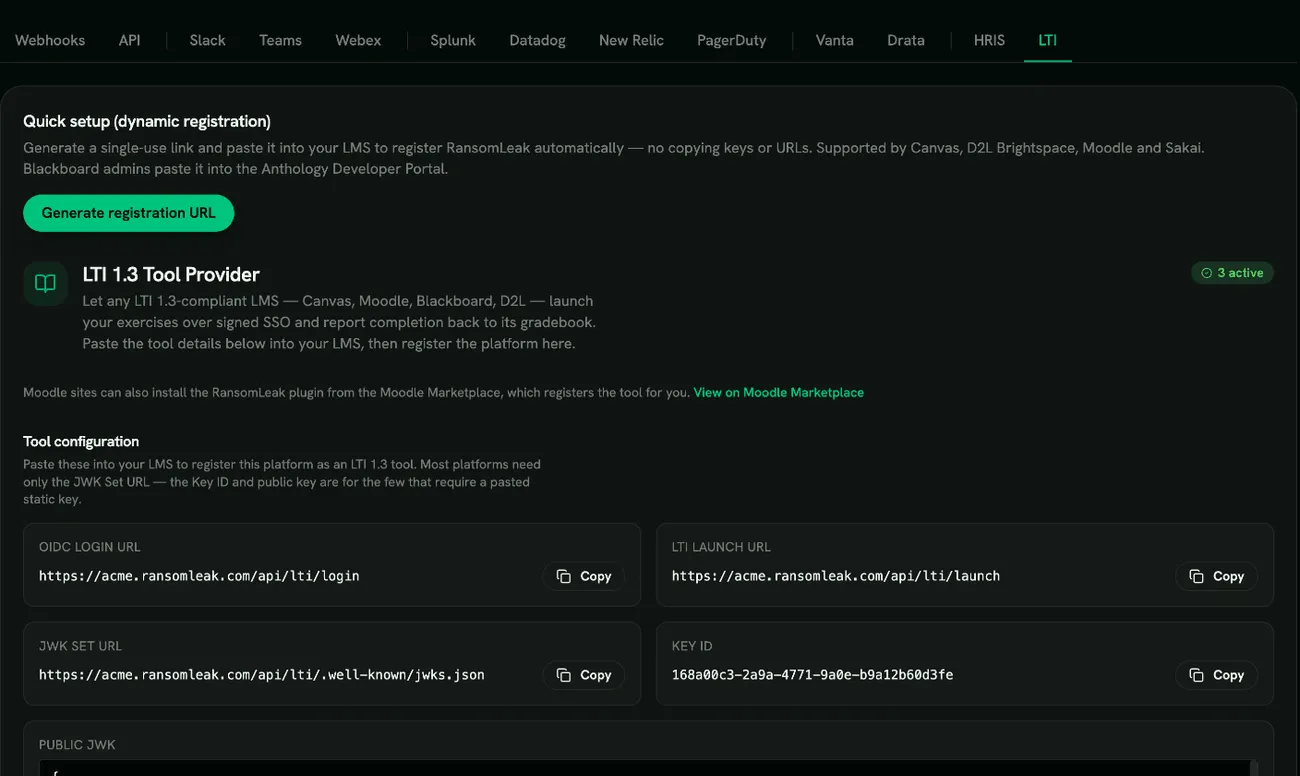
LTI 1.3 (your LMS)
See
Using RansomLeak in your LMS
for LTI 1.3 and SCORM setup.