
Courses and exercises
RansomLeak’s courses and exercises are created and maintained by RansomLeak, and new content is added regularly. Admins can’t create or edit courses and exercises, but they decide how learners get to them.
Ways to deliver content
Section titled “Ways to deliver content”| Method | Use it for |
|---|---|
| Course catalogue | Self-paced learning. Learners browse Courses themselves. |
| Learning paths | Structured curricula made of exercises, courses, drills and your own content |
| Campaigns | Assigned training with a deadline |
| SCORM packages and LTI | Running RansomLeak content inside your own LMS |
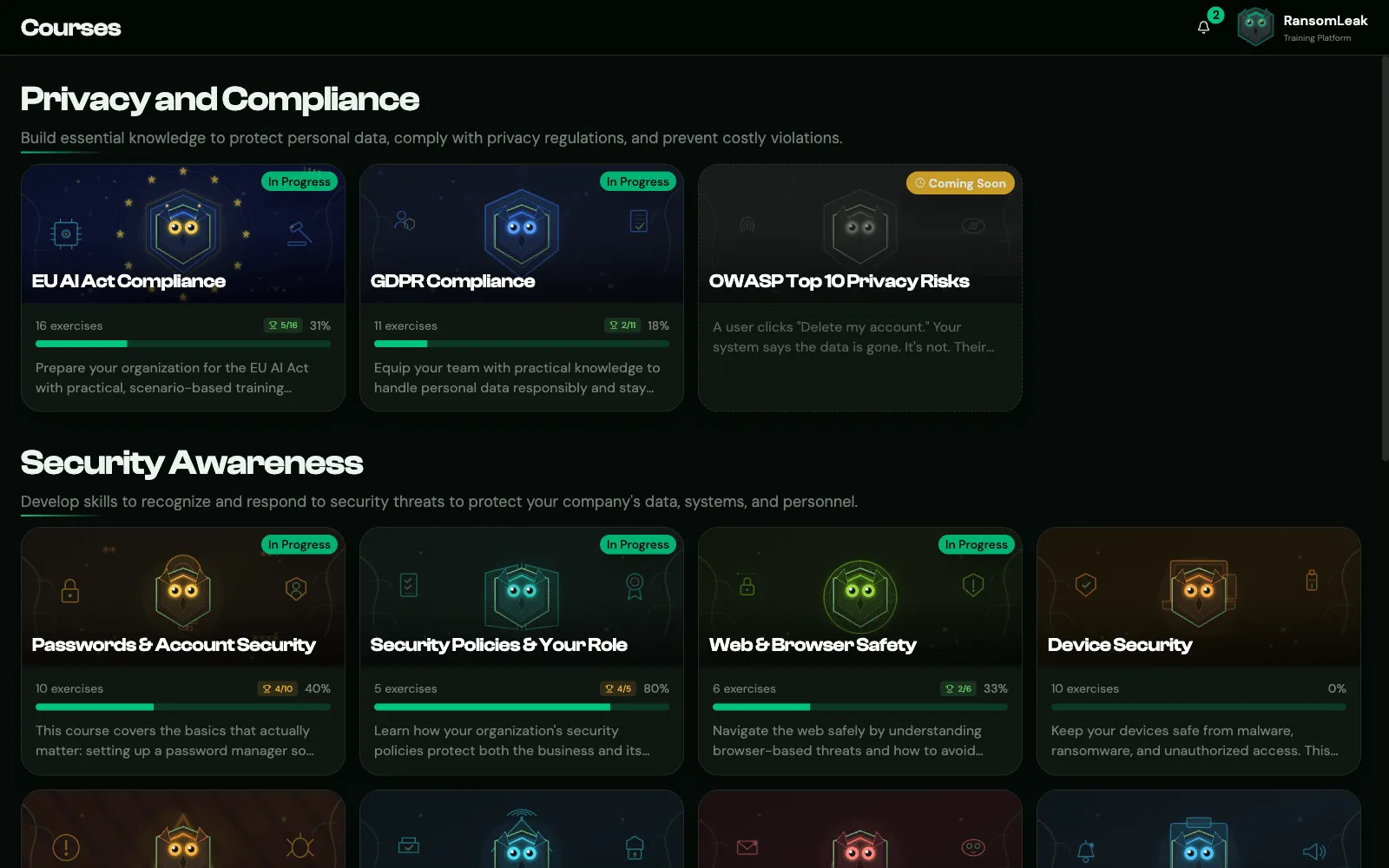
Hiding the course catalogue
Section titled “Hiding the course catalogue”To make sure people only see the training you assign, turn on Hide Course Catalog under Tenant Settings → Learning & Assessment. The Courses menu item disappears for regular users. Admins, and roles with View Course Catalog When Hidden, keep access.
Learning paths stay visible either way.
Room and language
Section titled “Room and language”- Default room: 3D exercises start in a Home office or an Office. Set it under Tenant Settings → Learning & Assessment. Some exercises need a specific room, and learners can switch rooms in the exercise.
- Language: exercises use each learner’s language when a translation exists, otherwise English. The same goes for exercise and course names in learning paths, campaigns, campaign analytics and progress reports (reports use the organization default). Set the organization default under Tenant Settings → Language & Region.
Course certificates
Section titled “Course certificates”A learner receives a certificate automatically when they complete every exercise in a course. If quizzes are on, every quiz must be passed at the Quiz Completion Threshold.
Certificates are listed under Certificates and can be shared on LinkedIn if LinkedIn Certificate Sharing is on.
Course analytics
Section titled “Course analytics”See how a course is doing under Analytics → Course Analytics. See Analytics dashboards.